Mobile Computers

AML Mobile Computers

AML mobile computers deliver reliable barcode scanning and access to business applications for warehouse, manufacturing, and distribution teams. Find the right handheld device to streamline inventory tasks and keep operations moving, supported by AML’s U.S.-based team.

What is a mobile computer?

Mobile computers are handheld, portable devices used in several types of businesses, that are capable of running web browsers or mobile apps designed to access either cloud-based or on-premise software systems that run those businesses. In addition, they have the ability to capture barcodes and even take photos. There are several types of mobile computers, ranging from smartphone-style touchscreen-only devices to tablets, as well as industrial-grade mobile computers with barcode scanners. 

No matter the type of mobile computer your business requires, there are several standard functions they each have:

AML Mobile Computer Features

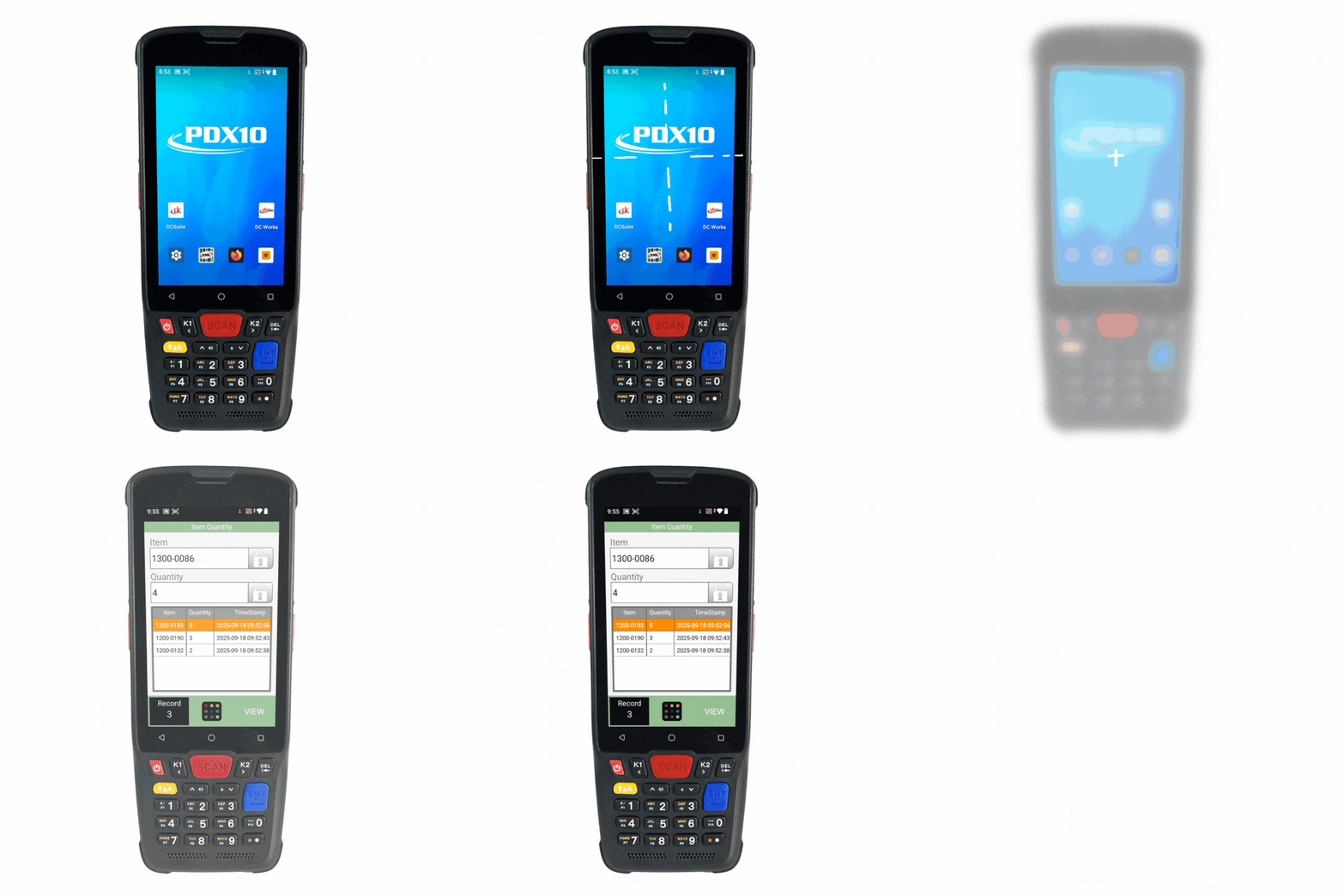
PDX10
Item Quantity app
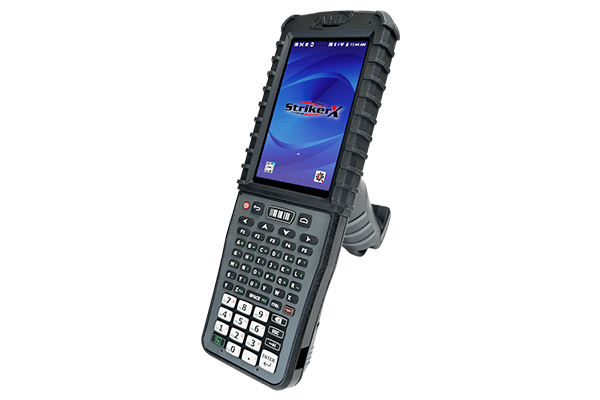
StrikerX
StrikerX mobile computer
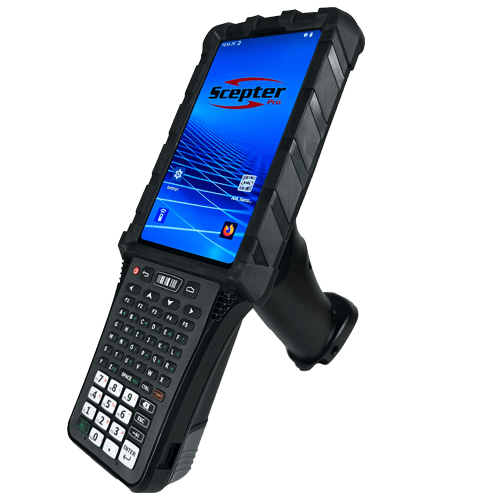
Scepter Pro
Scepter Pro mobile computer
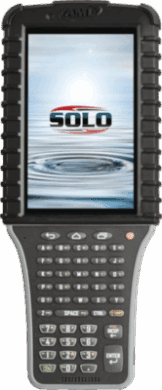
Solo
An example of the Solo Enterprise Mobile Computer from the front.
Real Time communication or Batch?
Both
Batch
Data download/upload performed over a USB connection?
Yes
Yes
Yes
Yes
Data download/upload performed over a Wi-Fi connection?
Yes
Yes
Yes
No
Runs DC Suite
Yes
Yes
Yes
Yes
Terminal Emulation (TE) Clients Included
No
No
Runs DC Works
Yes
Yes
Yes
No
Supports Standard 2D Imager Barcode Scanner?
Yes
Yes
Yes
Yes
Supports Standard Near/Far 2D Imager Barcode Scanner?
No
Yes
Yes
Yes
Requires Charging Cradle?
No
Yes
Yes
Yes
Operating System?
Android 14
Android 13+
Android 13+
Android 7.1
Hot Swap-able Batteries
No
Yes
Yes
Yes
TouchScreen Technology
Yes
Yes
Yes
Yes
Outdoor Readable Display?
No
Yes
Yes
Yes
Pistol Grip Handle available?
Yes
Yes
Yes
Yes
NOTES:
  1. While real-time mode is more commonly used with the Scepter Pro and StrikerX, both devices are pre-loaded with DC Suite for batch data collection as well. 
  2. StrikerX and Scepter Pro are preloaded and licensed with a basic, text-based terminal emulation client called Glink specifically for VT220 applications. 

The Benefits of Using Android-based Mobile Computers for Inventory Tracking

There are significant and wide-ranging benefits to using mobile computers in your company: 

Reduce Manual Data Entry

Barcode scanning reduces the need to write down information and retype it later. Employees can capture item and location data at the point of activity, helping reduce transcription errors and duplicate work.

Complete Tasks Where Work Happens

Handheld devices give employees access to the information they need while moving through a warehouse or production facility. Workers can scan, retrieve, and update records without returning to a desktop computer for each transaction.

Better Customer Satisfaction and Management Support

With a connected device and compatible software, transactions can update business systems as work happens. Faster access to inventory information helps other teams respond to changes and coordinate their next steps.

Mobile Computer Applications

AML Scepter Pro

Warehouse and Distribution

Support receiving, putaway, order picking, packing, and shipping by capturing barcode data as inventory moves throughout the floor.

Manufacturing

Track materials, components, and finished goods through inventory movements and production workflows using compatible business software.

Retail

Handheld mobile computers are designed to help store associates access product information, check prices, take inventory counts, and replenish shelves.

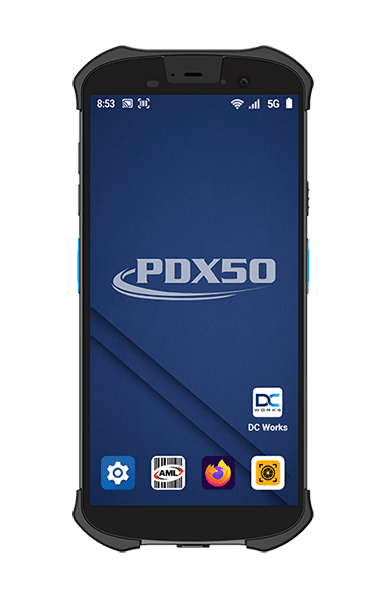
Ready to Download PDX50 Handheld Mobile Computer
Please press “Accept” to download your copy of the PDX50 Handheld Mobile Computer. The software download should begin immediately.

If you are having difficulties with receiving your software download file, please contact us directly. Or call 800-648-4452